Hands-On Masterclass: Build & Deploy Websites with AI Agents
Launch Your High-Converting AI Website in 3 Hours — Without Hiring a Developer
Direct AI agents to build, launch, and host your professional website — in real time, no developer needed. 100% hands-on.
Instructor — iOS Engineer & Educator
Taught Live by an Industry Practitioner
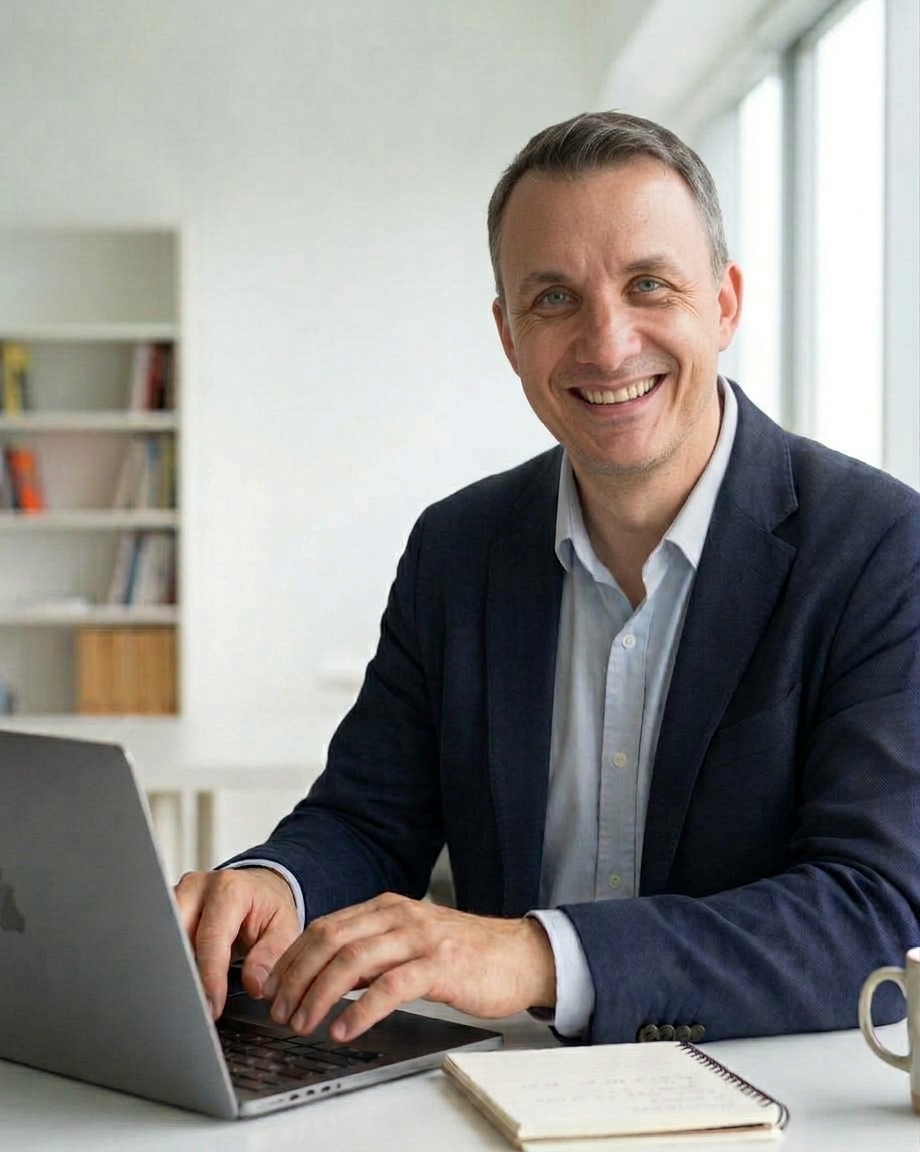
Hi, I'm Ryan Ashton. As an iOS Engineer, PolyU Lecturer, and Ableton Certified Trainer, I specialize in taking complex technical ecosystems and turning them into accessible, step-by-step masterclasses. In this workshop, I don't just lecture — I guide you through building and deploying live code step-by-step.
Independent app founder & architect — creator of consumer and utility apps on the App Store, handling everything from product design to continuous deployment.
Production AI & automation specialist — developer of custom CLI automation engines combining computer vision, speech transcription, and local/cloud LLM models.
20 years of hands-on coaching — guiding founders, professionals, and students through 1-on-1 and group learning across technology, creative production, and performance.
Zero-lock-in pipeline advocate — hands-on experience building and maintaining self-hosted infrastructure, containerized services (Docker/Kubernetes), and cost-effective cloud deployments.
What Your Business Walks Away With
Your Live Website
A real address on the internet, yours from the first session and hosted free forever.
Hands-On Agent Craft
First-hand experience telling AI agents what to build — and watching them do it.
Verified Credential
A completion badge for your LinkedIn or portfolio.
Pre-Class Onboarding Requirement
Before the live session begins, you complete a brief online intake form — it collects key details about your target audience, site goals, and messaging. During class, you'll feed these responses into a frontier LLM (ChatGPT, Claude, or Gemini) to generate your customSPECIFICATION.md build blueprint.
Live across two 90-minute sessions — Session 1: Steps 1–5 (tools installed, first build live) · Session 2: Steps 6–9 (your real website)
From Blank Page to Live Domain: The Step-by-Step Blueprint
Build and launch a real website alongside an expert guide using everyday AI tools. No technical experience required. You'll leave with a live, fully functional website hosted free forever.
Step 1: Live Speed Demonstration
Experience how fast a site builds once your pipeline is configured — watch the instructor deploy a live page in minutes, the baseline for what you will achieve.
Step 2: Understanding Your Developer Pipeline
Learn how Terminal, Git, GitHub, Vercel, Ollama, and Pi link together: LLMs, local vs. cloud execution, and markdown specifications in plain English.
Step 3: Step-by-Step Hands-On Setup
Follow along as we install the terminal tools, configure Git, set up your GitHub scopes, connect Vercel, and configure Ollama and Pi — with real-time help on screen if you get stuck.
Step 4: Intermission & 1-on-1 Catch-Up Window
Take a breather while the instructor assists anyone who needs individual troubleshooting — everyone enters the build phase with a working environment.
Step 5: First Build & Instant Deployment Magic
Prompt Pi to build a simple test page (index.html), push changes to GitHub, and watch Vercel deploy your live URL — then prompt again to transform the design (into a retro site, say) and see instant auto-deployments in action.
Step 6: Loading Specialist Agent Skills
Install custom Pi agent skills that give your agent specialized capabilities for writing production code and managing repository structures.
Step 7: Prompting the Specification File
Feed your pre-class intake answers into a frontier assistant (Gemini, ChatGPT, or Claude) to produce your comprehensive SPECIFICATION.md, tailored to your project.
Step 8: Autonomous Build Phase
Drop your specification into your project folder and instruct Pi to read the spec and execute the build using your loaded skills — watch your custom site take shape.
Step 9: Fine-Tuning & Lifetime Feature Updates
Learn the repeatable FEATURE_*.md workflow to prompt continuous updates, iterate design tweaks, and publish new features long after the live masterclass ends.
| Feature / Capability | This Workshop (Static Site) | Follow-Up Class (Dynamic Web App) |
|---|---|---|
| Landing Pages, Portfolios & Business Sites | ✓ Yes | ✓ Yes |
| Custom Styling, Animations & Mobile Responsiveness | ✓ Yes | ✓ Yes |
| Instant Redesigns & AI Skill Integration | ✓ Yes | ✓ Yes |
| Zero Hosting Costs (Vercel Free Tier) | ✓ Yes | ✗ No (server overhead) |
| User Logins, Databases & Member Dashboards | ✗ No | ✓ Yes (e.g., Figma-style apps) |
| Backend Payment Processing / Dynamic APIs | ✗ No | ✓ Yes |
Interested in building dynamic web applications with database logins and user authentication? Ask about our upcoming advanced AI app-building follow-up class.
Build Pipeline
Deploy Pipeline
Requirements & transparency
Everything you need to take part
A laptop — macOS or Linux recommended (Windows WSL works)
Some familiarity prompting an LLM — ChatGPT, Claude, or similar. You don't need to be good at it yet; you do need to have had a real conversation with one before.
Desire to learn and curiosity about AI
Comfort following along on a video call — no coding experience needed
Pricing
Reserve Your Live Seat
Limited seats per cohort to ensure live support and troubleshooting. · 2 × 90 min · Tue, 20 Oct + Wed, 21 Oct · 7:00 pm HKT · Live video call — link after registration · Live Interactive Video + Real-Time Q&A
Satisfaction & Emergency Guarantee: All bookings are final and non-refundable. However, if an unforeseen emergency prevents you from attending your scheduled live cohort, your registration will be transferred to the next upcoming session or converted to a 1-on-1 makeup session at no extra charge.
FAQs
Hands-On Masterclass: Build & Deploy Websites with AI Agents
Do I need to know how to code to take this masterclass?
No. This class is designed specifically for tech-curious non-coders, creators, and business leaders. The AI agents write, assemble, and debug the production files — you learn how to direct, refine, and deploy them.
What software or accounts do I need to prepare before class?
You only need a laptop (macOS, Linux, or Windows with WSL). After enrolling, you will receive a 5-minute setup guide to create your free GitHub, Vercel, and Ollama accounts — including topping up about US$5 of Ollama credit — and complete the pre-class intake form. Preparing these beforehand allows us to jump straight into live building during session one. You'll also want a frontier assistant tab ready (ChatGPT works even without signing in) — where you'll draft your Site Spec; no paid plan required.
Do I need to pay for extra tools or monthly subscriptions?
No. We utilize free, developer-grade platforms. Your website is hosted permanently on Vercel's free tier, and your code resides in your personal GitHub repository. The only minimal additional cost is pay-as-you-go processing power for the AI agent (top up about US$5 of Ollama credit — typically all you need for the build).
What if I get stuck or encounter errors during the live session?
Cohorts are intentionally kept small so we can troubleshoot live on screen. If terminal commands fail or deployment errors occur, we resolve them together in real time — no student is left behind.
Will my website stay online after the class ends?
Yes. Your website remains live indefinitely on Vercel's free tier. You retain 100% ownership of your source code in your own GitHub account with zero vendor lock-in or recurring maintenance fees.
How is this different from tools like Squarespace, Wix, or Framer?
Traditional page builders lock your content into proprietary platforms with recurring monthly subscriptions. In this masterclass, you master an actual developer pipeline (Terminal, Git, Vercel, and AI agents) to gain transferable technical skills and full code ownership.
What happens if an emergency comes up and I miss a live session?
While registrations are non-refundable, your investment is 100% protected. If an emergency arises, we will transfer your registration to the next scheduled cohort or arrange a private 1-on-1 makeup session so you complete your live project guaranteed.